
Looking for the best free AI image upscaler in 2026? You're in the right place. Whether you're working with old photos, AI-generated artwork, or images downloaded from the web, increasing resolution while maintaining quality has always been a challenge—until now.
Deep Dream Generator's AI Image Upscaler is one of the best free AI image upscaler tools available today. It uses advanced artificial intelligence to increase image size without losing quality, transforming small thumbnails into crisp 4K images in seconds.
What Makes DDG the Best Free AI Image Upscaler in 2026?
Unlike traditional upscaling methods that simply stretch pixels (resulting in blurry, pixelated images), the best free AI image upscaler tools use machine learning to understand image content and generate new pixels that look natural and detailed.
DDG's AI Image Upscaler stands out as the best free AI image upscaler 2026 for several reasons:
- Three specialized modes: Precise, Creative, and Realismo for different use cases
- Up to 4K resolution: Professional-quality output for print and display
- Free daily credits: Start upscaling immediately without a subscription
- AI-powered enhancement: Not just upscaling, but actual detail improvement
- Fast processing: Get results in seconds, not minutes

Best Free AI Image Upscaler Modes Explained
What makes DDG the best free AI image upscaler is its three specialized modes, each designed for different use cases:
1. Precise Mode — Best for Photos
Best for: Real-life photos, professional work, images where you want to preserve the original look exactly.
Precise mode delivers clean, artifact-free upscaling up to 4K resolution. It focuses on increasing resolution while staying as faithful as possible to the original image. This is why many consider it the best free AI image upscaler for photography.
2. Creative Mode — Best for AI Art
Best for: AI-generated images, illustrations, artwork that could benefit from added detail and artistic enhancement.
Creative mode goes beyond simple upscaling—it can enhance images up to 120MP while adding imaginative details and artistic flair. With adjustable controls for Creativity, Resemblance, and HDR, you can fine-tune how much originality the AI introduces.
3. Realismo Mode — Best for Realistic Results
Best for: AI art that needs a realistic look, small or blurry photos that need lifelike enhancement.
Realismo is a specialized creative mode focused on achieving a natural, lifelike appearance. It's particularly effective for AI-generated portraits and rescuing details from small or degraded photographs.
See the AI Upscaler Results
See the dramatic difference the best free AI image upscaler can make. Drag the slider to compare before and after results:
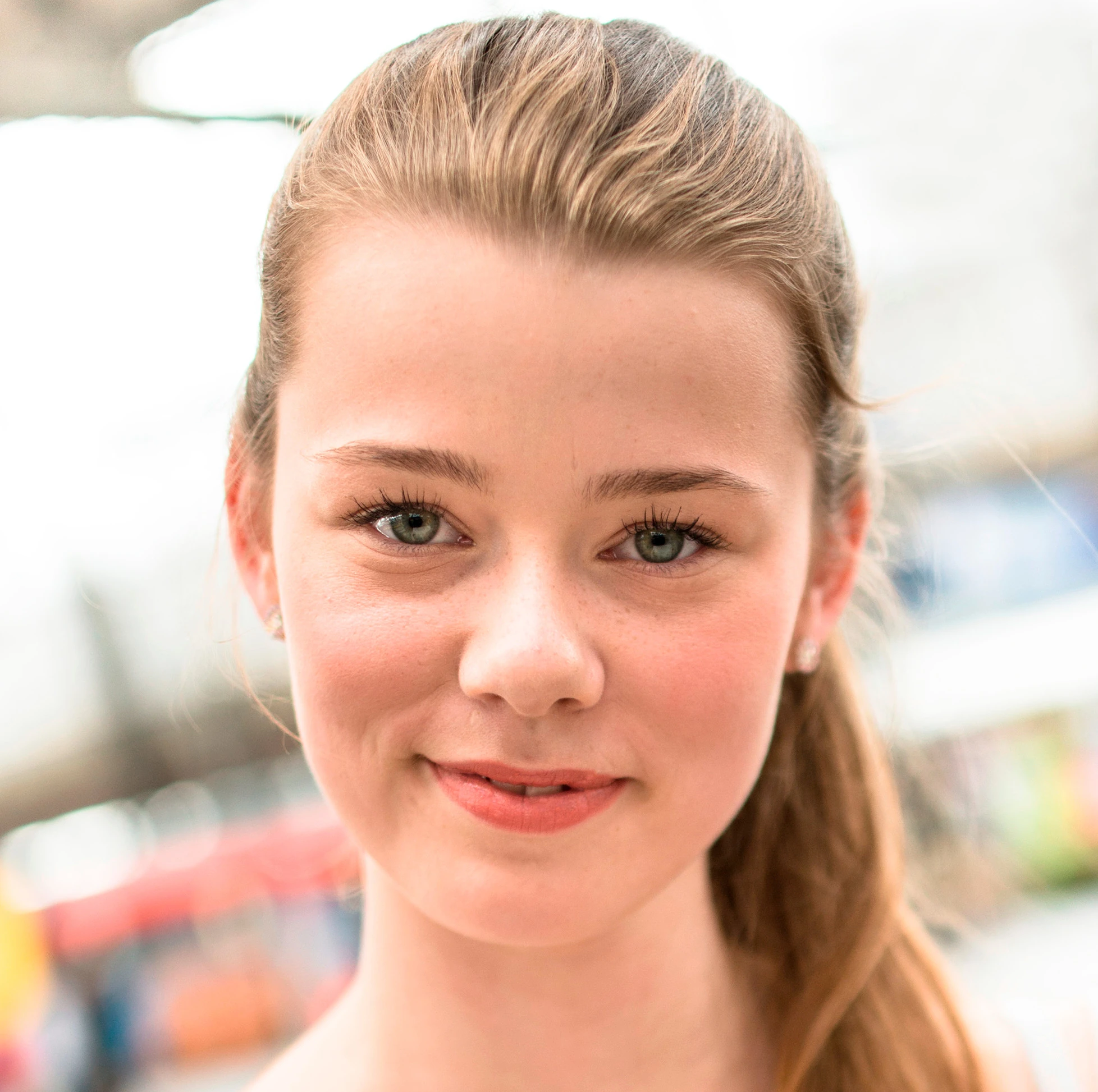
Portrait Enhancement
Watch how the AI upscaler enhances facial details, skin texture, and hair while maintaining a natural look:

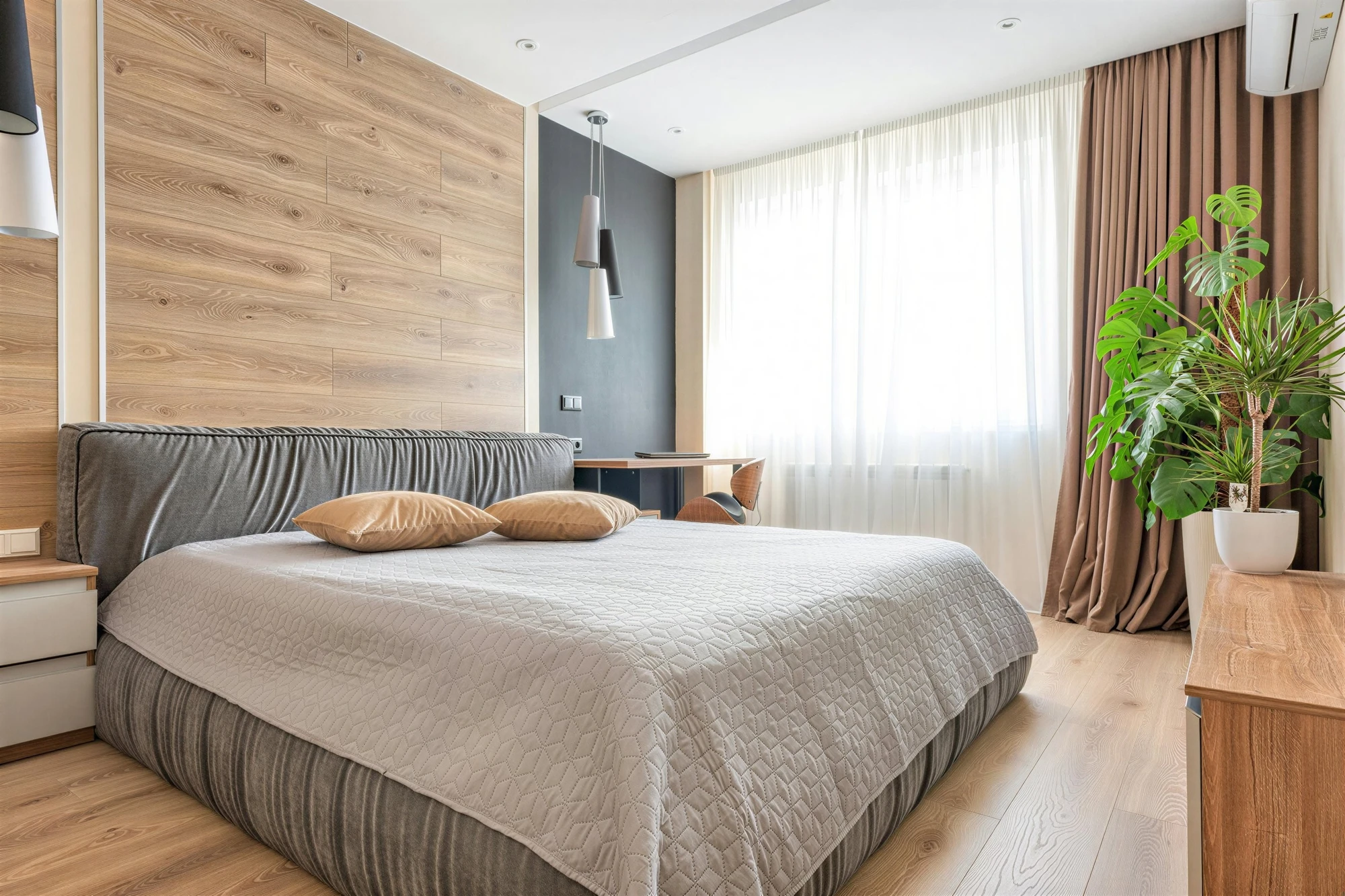
Interior Design & Architecture
The AI upscaler excels at enhancing architectural details, textures, and fine elements:

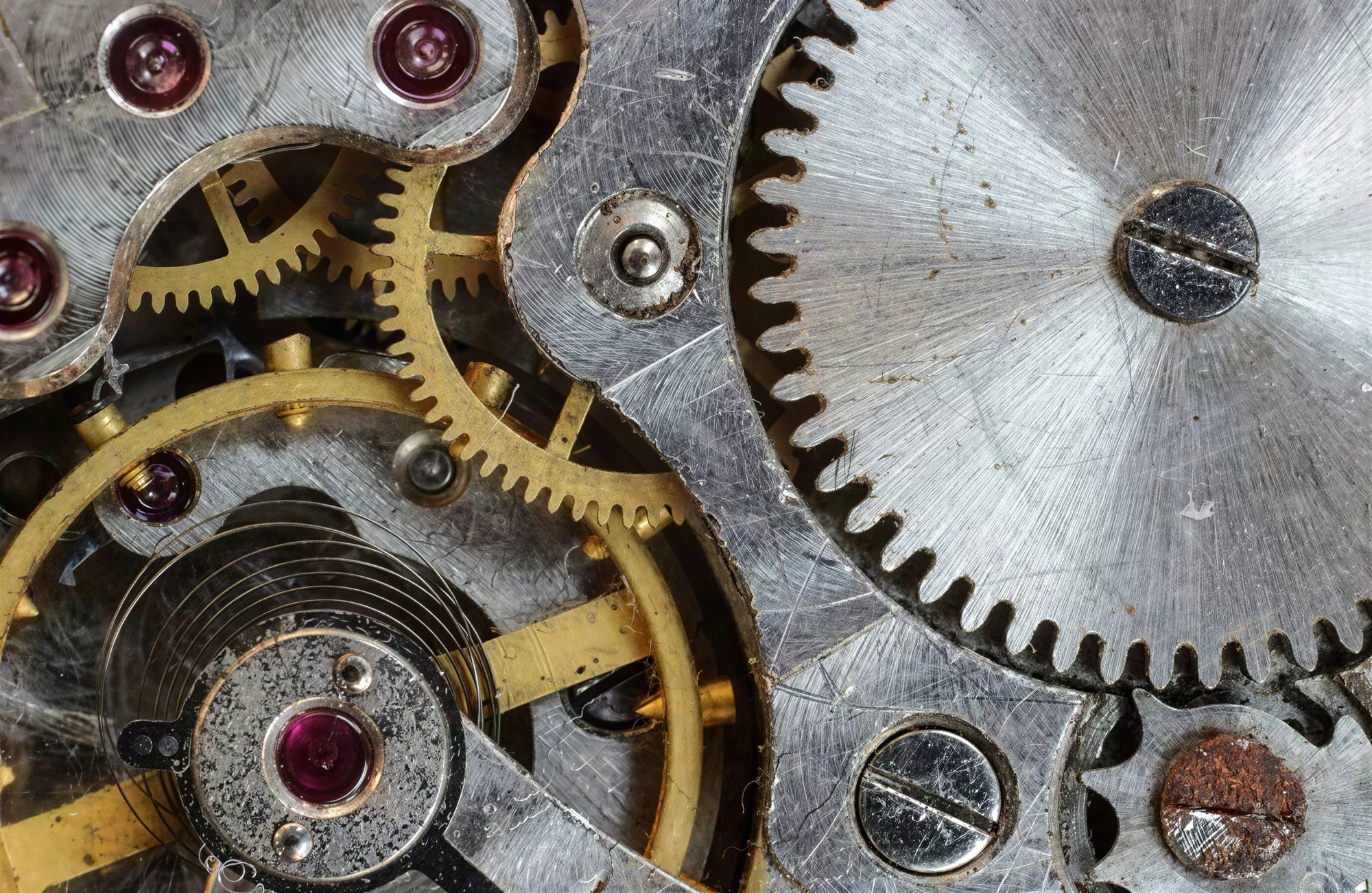
Detail & Object Enhancement
Even intricate details like clockwork mechanisms are rendered with stunning clarity:

How to Use the Best Free AI Image Upscaler
Getting started with DDG's best free AI image upscaler is simple:
Step 1: Upload Your Image
Navigate to the AI Upscaler tool and click "Choose Image" to upload. The upscaler supports JPG, PNG, and WebP formats.
Step 2: Select Your Mode
Choose between Precise, Creative, or Realismo. Start with Precise for photos or Creative for AI art.
Step 3: Choose Output Resolution
- FHD (1080p) — 1920x1080px, great for web and social media
- QHD (2K) — 2560x1440px, ideal for high-quality displays
- UltraHD (4K) — 3840x2160px, perfect for print and large screens
Step 4: Upscale & Download
Click "Upscale" and wait for the AI to process your image. Preview and download your enhanced high-resolution image.
Why DDG is the Best Free AI Image Upscaler for 2026
When comparing AI image upscaler tools, DDG consistently ranks as the best free AI image upscaler 2026 for these reasons:
- Truly free tier: Get free credits on sign-up plus daily free credits—no credit card required
- No watermarks: Your upscaled images are yours, without annoying watermarks
- Professional quality: Results that rival expensive professional tools
- Multiple modes: One tool that handles photos, AI art, and illustrations equally well
- Web-based: No software to download—works directly in your browser
- Privacy-focused: Your images are processed securely
Best Free AI Image Upscaler Use Cases
The best free AI image upscaler should handle a variety of scenarios. Here's what DDG excels at:
- Enhancing old family photos: Breathe new life into treasured memories
- Upscaling AI-generated art: Take your Midjourney, DALL-E, or DDG creations to 4K
- Print preparation: Get images ready for posters, canvases, or professional printing
- Social media content: Create high-quality visuals that stand out
- E-commerce product images: Enhance product photos for online stores
- Digital art portfolios: Present your work in the highest quality
Pricing: Free & Flexible Options
As the best free AI image upscaler, DDG offers generous free options:
- Free tier: Daily free credits for approximately 3-5 upscales per day
- Pay as you go: From $3.99 for ~12 upscales, no subscription needed
- Subscriptions: From $9/month for up to 4,500 upscales with priority processing
Try the Best Free AI Image Upscaler Today
Join thousands of creators using DDG's AI Image Upscaler to enhance their images to 4K and beyond.
Start Upscaling for Free