Free AI Image Upscaler
Enhance Images to 4K+ ✨

The best AI image upscaler to increase image size without losing quality. Our free image upscaler offers Precise mode for clean, sharp upscaling up to 4K, or Creative mode for artistic enhancement up to 120MP. This powerful AI upscaler not only increases resolution but also enhances details and fixes artifacts automatically.

  • Precise AI image upscaler: Clean upscaling up to 4K resolution
  • Creative image upscaler: Artistic enhancement up to 120MP
  • Fix & enhance AI-generated images and artifacts
  • Free AI upscaler - No credit card required

Try AI Image Upscaler Free

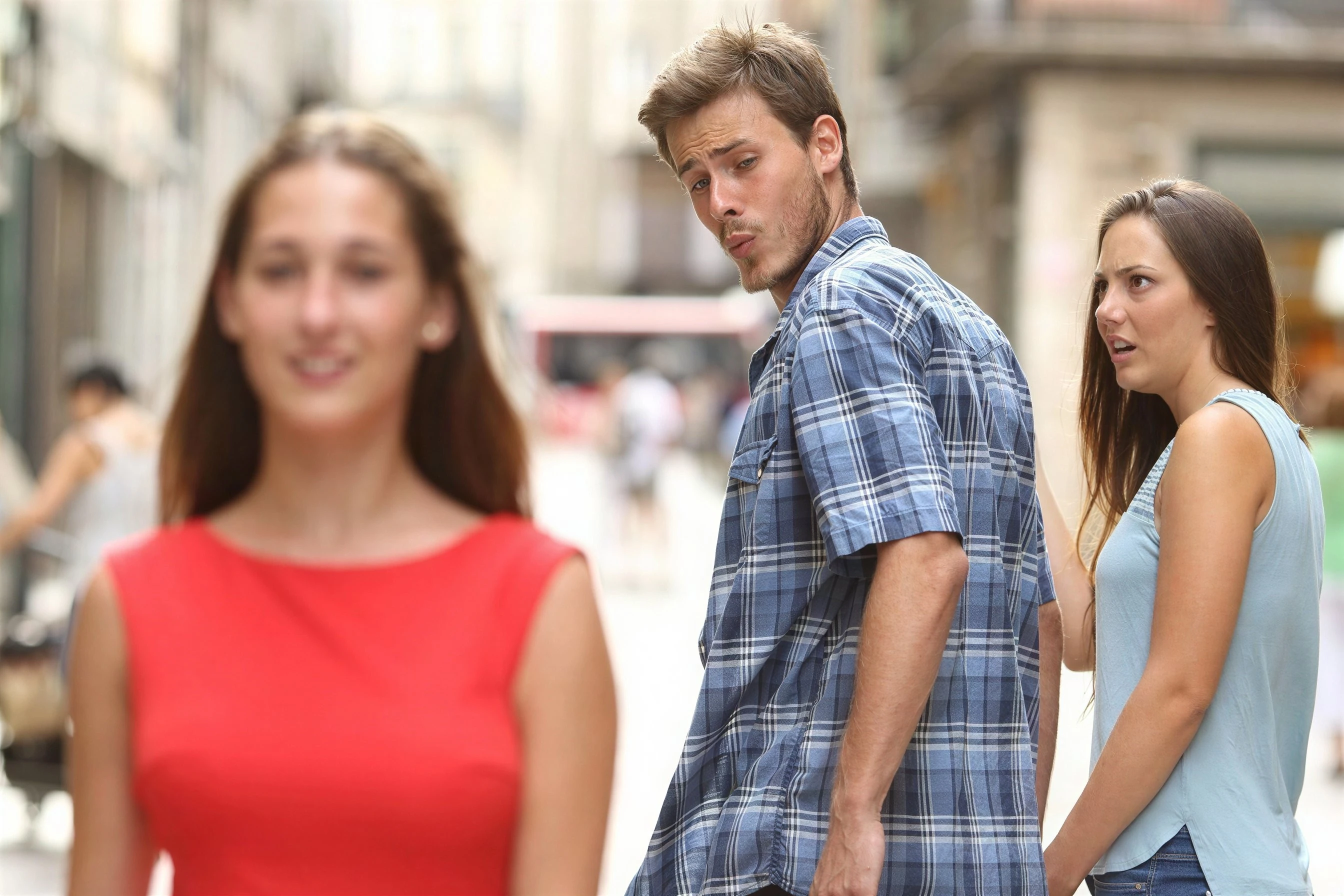
Distracted Boyfriend meme image at low resolution before AI upscaling
Before
Distracted Boyfriend meme upscaled to 4K resolution with enhanced clarity and detail
After

Unparalleled quality, even from the smallest input image.

Low resolution image before AI upscaling
Before
High resolution image after AI upscaling with enhanced details
After

See the Difference

Drag the slider to compare before and after

  • Increase image size without losing quality
  • Best AI image upscaler online
  • AI-powered detail enhancement
  • Fast processing in seconds
Try It Free

What is an AI Image Upscaler?

An AI image upscaler is an advanced image upscaler tool that uses artificial intelligence to increase image size without losing quality. Unlike traditional upscaling methods that simply stretch pixels, our AI upscaler analyzes the image content and intelligently generates new pixels to create sharp, detailed, high-resolution results.

This AI image upscaler offers two powerful modes: Precise mode delivers clean, artifact-free upscaling up to 4K resolution, perfect for photos and professional work. Creative mode goes further, enhancing images up to 120MP while adding artistic details and fixing imperfections. Whether you need to upscale old photos, enhance AI-generated images, or prepare images for print, our image upscaler delivers professional results in seconds.

See the AI Image Upscaler in Action

Watch how easy it is to upscale your images with stunning results

Low resolution photo of a red car
Before
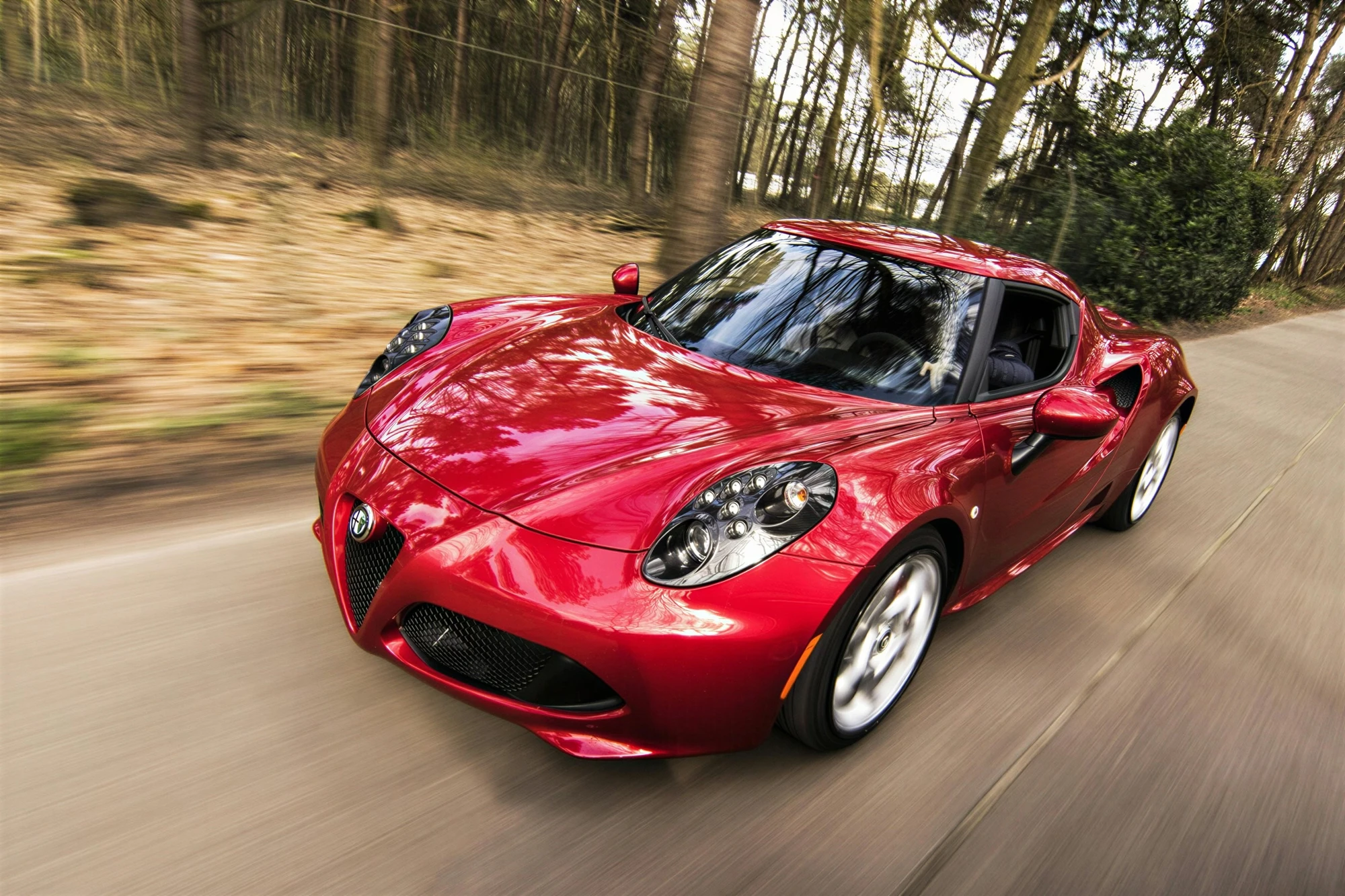
High-resolution of a red sports car driving fast on a forest road
After

Achieve true 4K resolution starting from a tiny thumbnail.

AI Image Upscaler Works with Any Image Type

Unlock unparalleled resolution and stunning detail in your AI creations, photos, and illustrations!

  • 👩 Portraits
  • ✏️ Illustrations
  • 🎮 Video Games
  • 🌄 Landscapes
  • 🚀 Science Fiction
  • 🧙‍♀️ Fantasy
  • 🎬 Films
  • 🎨 Graphic Design
  • 🏛️ Architecture
  • 🛋️ Interior Design
  • 🍣 Food
  • And anything else!

👩 AI Image Upscaler for Portraits & Faces

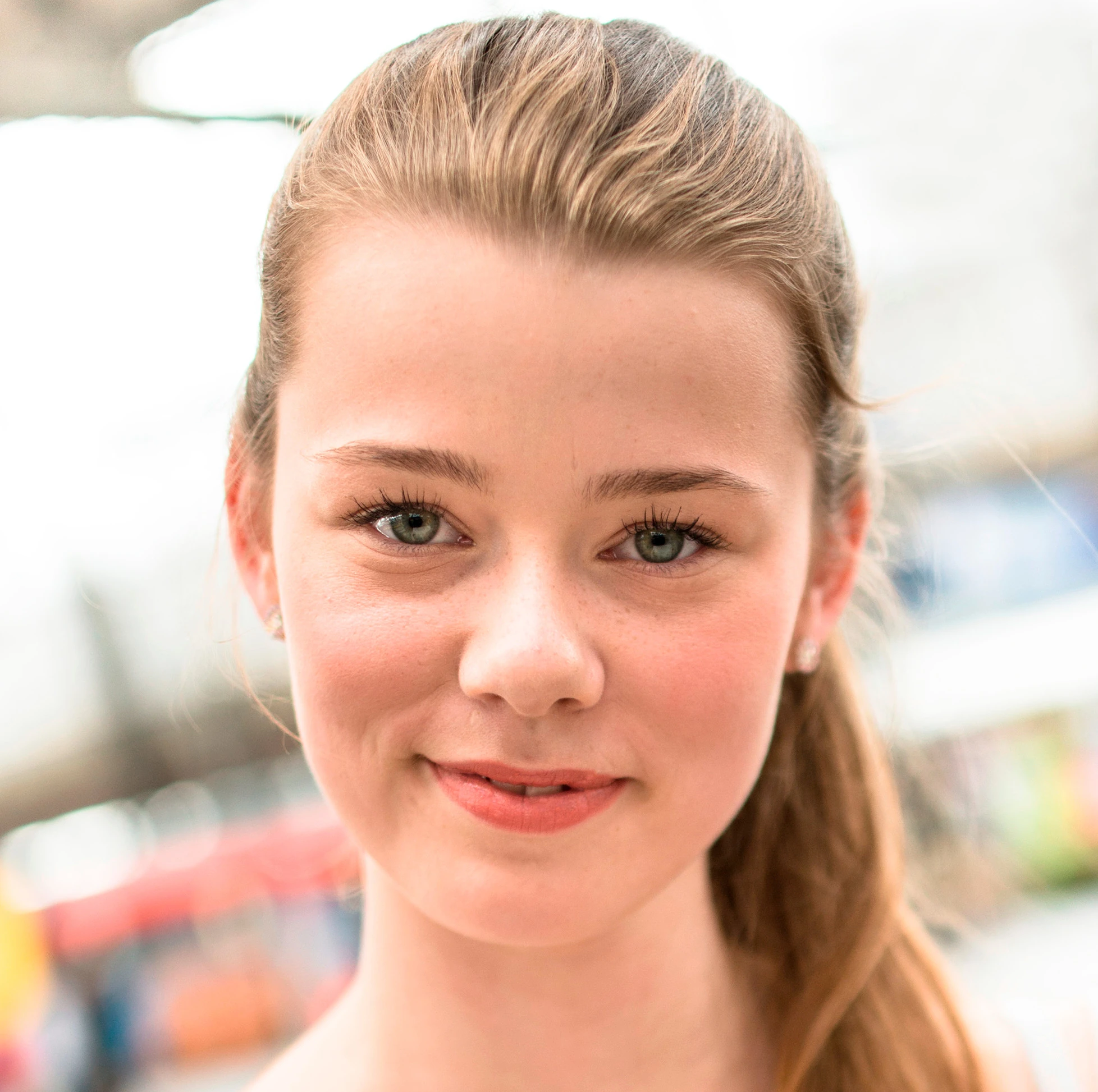
Portrait photo of a beautiful blond girl before AI enhancement and upscaling
Before
High-resolution portrait a beautiful blond girl with enhanced facial details and skin texture at high resolution
After
Original portrait photograph at low resolution of a smiling young man outdoors in an urban city background
Before
AI-enhanced portrait with improved clarity and detail upscaled to high resolution of a smiling young man outdoors
After
Low resolution portrait photo of a sexy young woman lying on a rock
Before
High-definition portrait after AI upscaling and enhancement of a sexy girl sitting on a rock
After

🏛️ Image Upscaler for Architecture & Interior Design

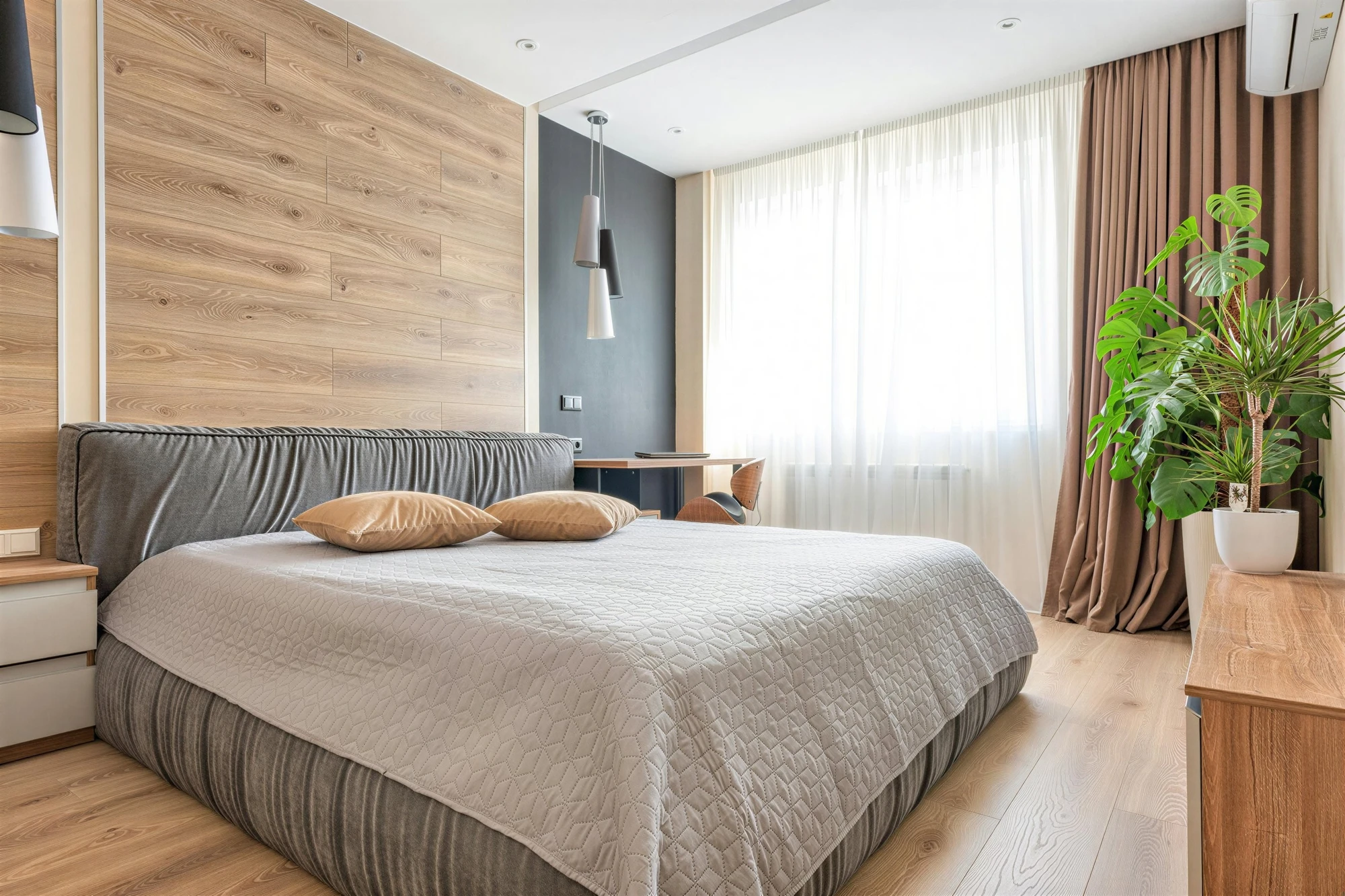
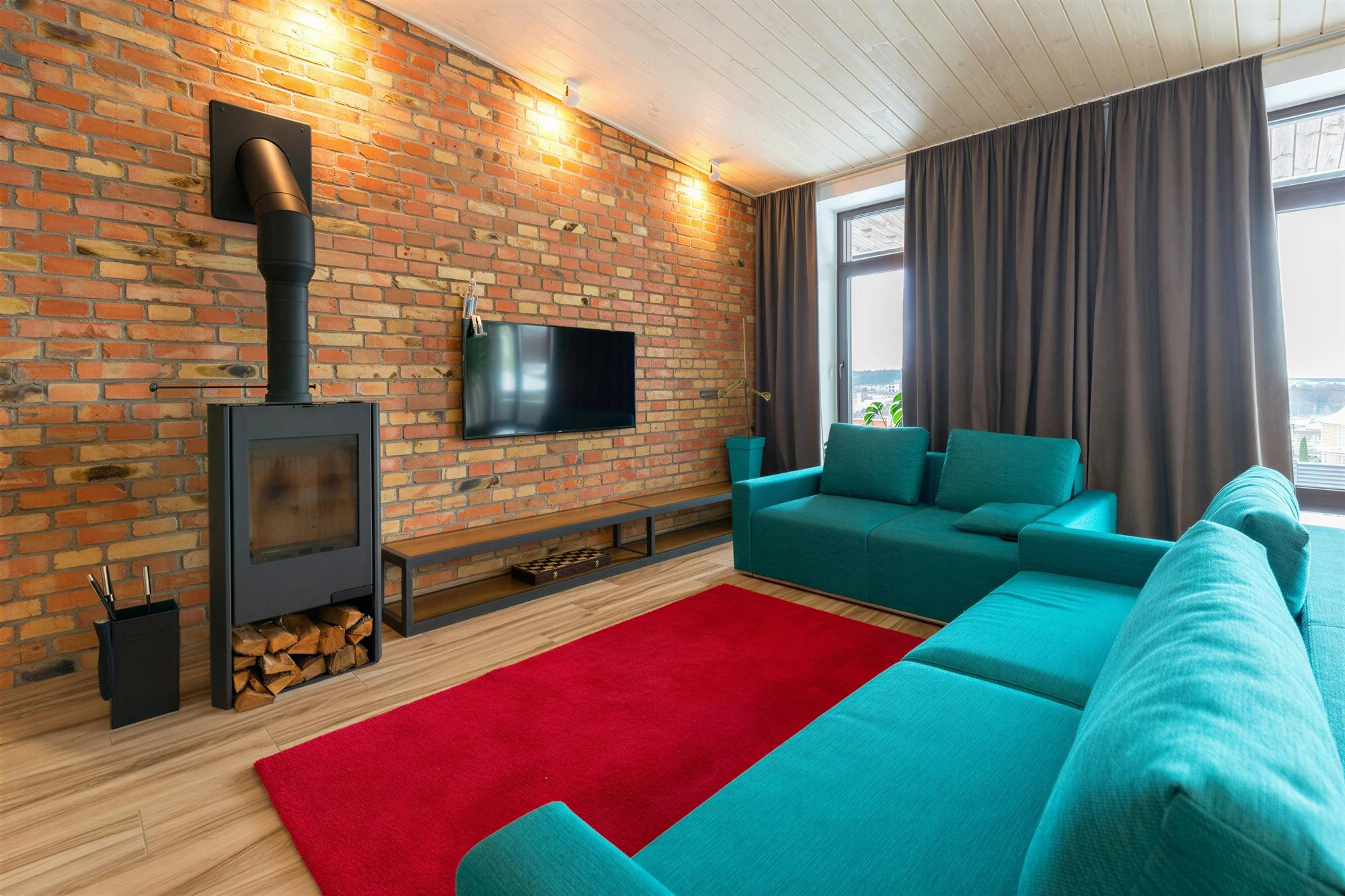
Low resolution Modern living room with brick wall, teal sofas, wood stove and red rug
Before
High-resolution Modern living room with brick wall, teal sofas, wood stove and red rug
After
Architectural visualization before AI enhancement
Before
High-resolution architectural render with improved structural details
After

🛠️🔍 AI Upscaler for Objects & Close-up Details

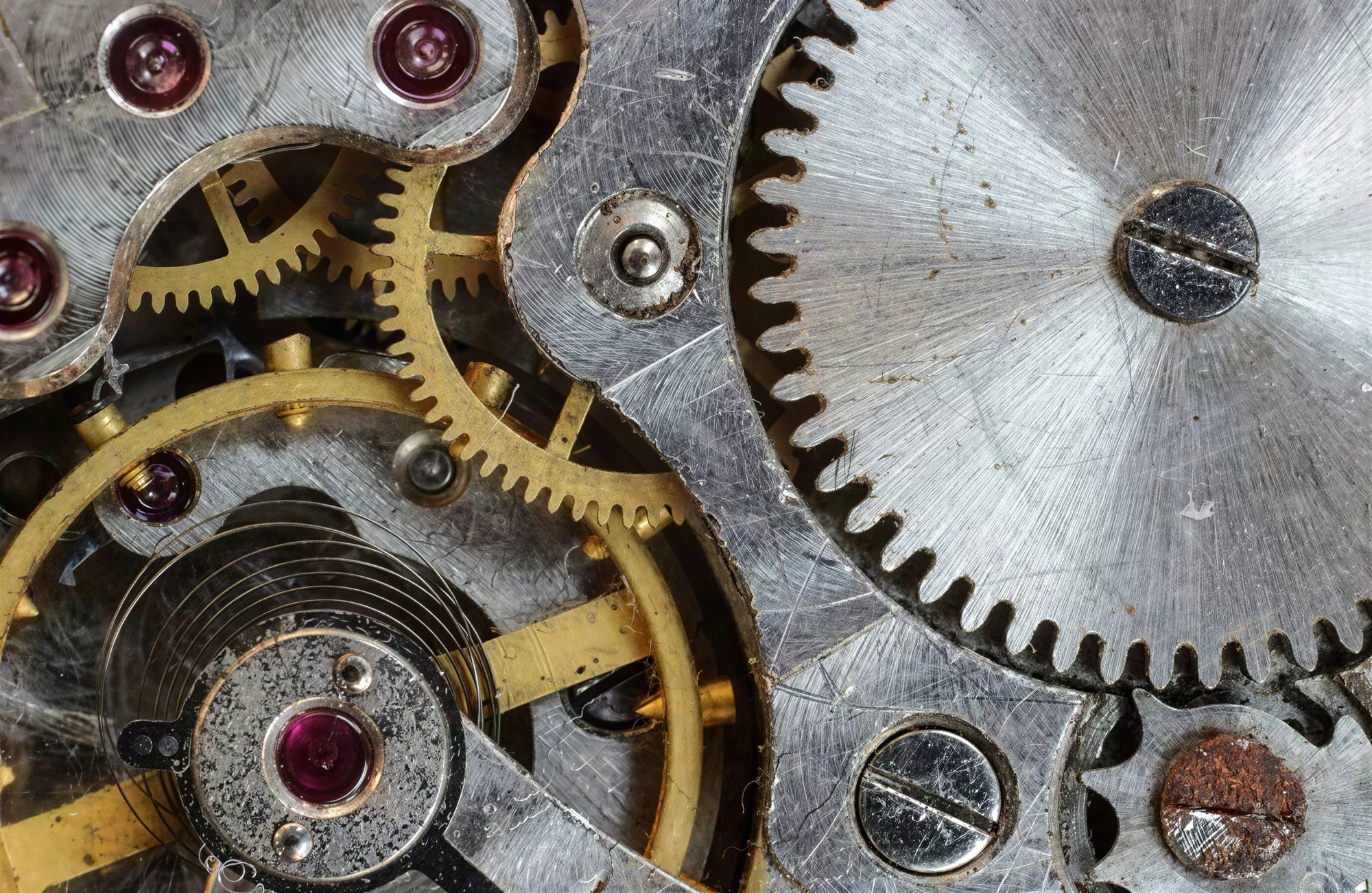
Low resolution image of a close-up of vintage clockwork gears and mechanical watch parts
Before
Ultra-high resolution of a vintage clockwork gears and mechanical watch parts
After
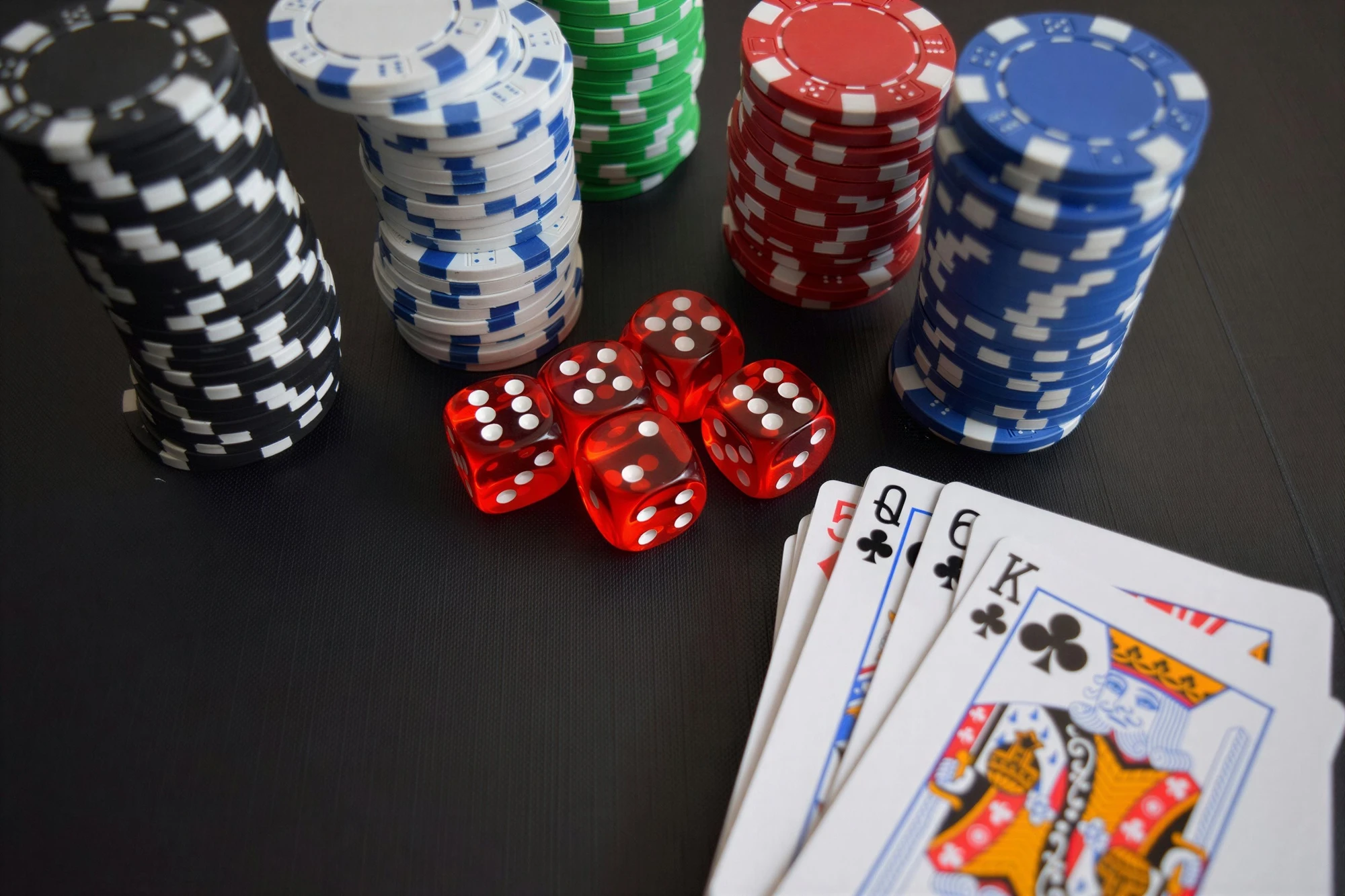
Poker table scene at low resolution
Before
Upscaled interior with enhanced details and realistic textures of poker chips, dice and playing cards on casino table
After

🎮 Image Upscaler for 3D Rendering & Gaming

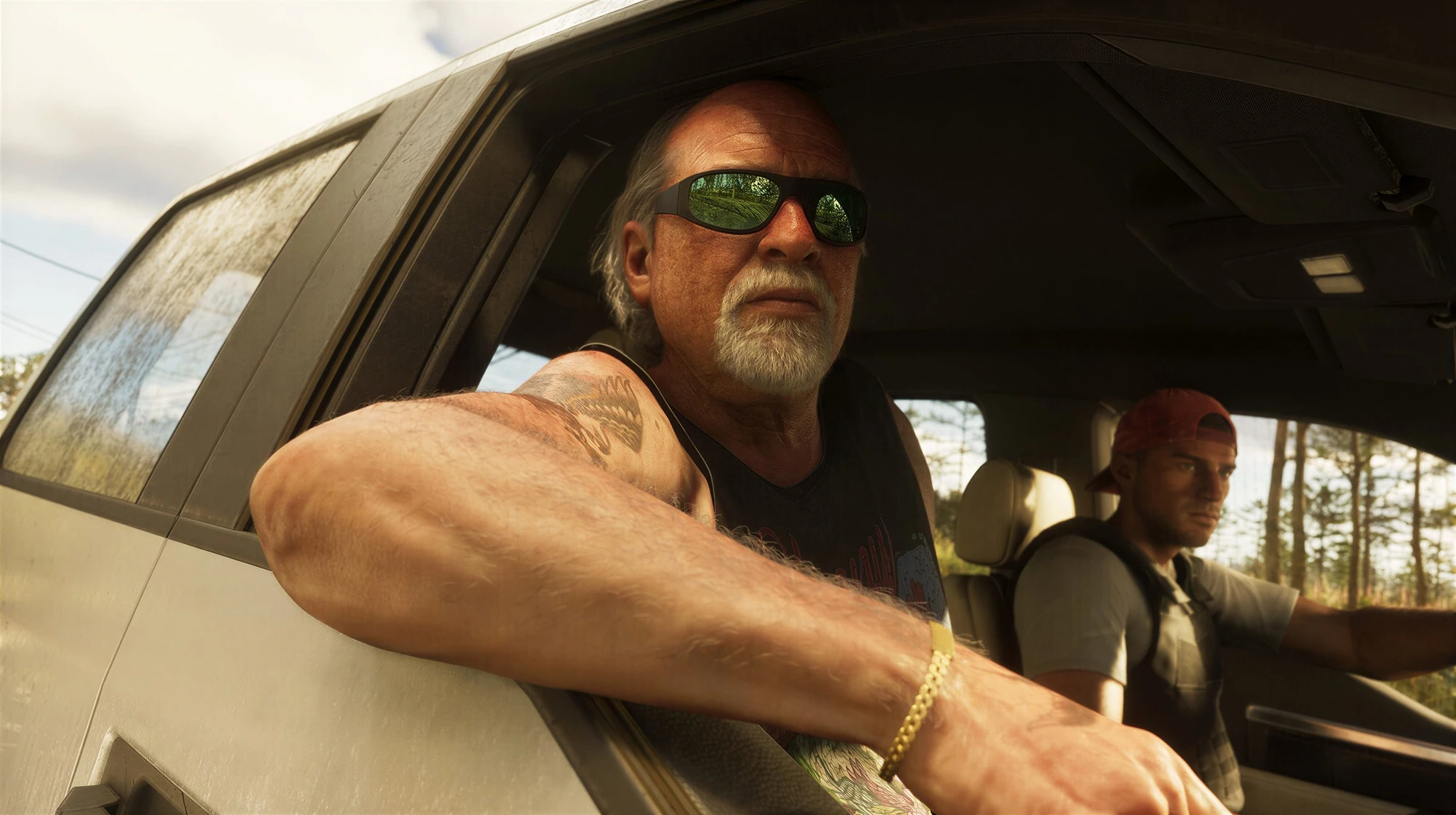
3D rendered character at standard resolution
Before
High-resolution 3D character with enhanced textures and surface details
After
Gaming asset texture at original resolution
Before
Production-quality game asset with enhanced texture detail and clarity
After

Simple, Flexible Pricing

Start free, upgrade when you need more power

Free

$0
  • Free credits on sign up
  • Daily free credits
  • ~3-5 upscales per day
Get Started

Subscription

From $9/mo
  • Up to 4,500 upscales/mo
  • Priority processing
  • 3 months free (annual)
View Plans

🔌 AI Image Upscaler API for Developers

API Token

Create a token first

Request

curl -s -X POST \
      "https://deepdreamgenerator.com/ai-upscaler" \
      -H "Content-Type: application/json" \
      -H "Authorization: Bearer YOUR_API_TOKEN" \
      -d '{
            "image": "https://ddg-assets.b-cdn.net/web/ai-upscaler/11.webp",
            "scale": 2,
            "creativity": 0,
            "resemblance": 0,
            "hdr": 0,
            "strength": 0,
            "upscale_mode": "default",
            "engine": "default",
            "prompt": "",
            "complete_webhook": "https://mycoolsite.com/upscale/complete"
          }'
    

How to Use the AI Image Upscaler

Follow these simple steps to upscale your images

1

Upload Your Image

Click "Choose Image" to upload the image you want to upscale. The AI image upscaler supports JPG, PNG, and WebP formats.

2

Select Upscaler Mode

Choose from three powerful upscaling modes:

  • Precise - Preserves the original look while enhancing resolution. Works exceptionally well for both real-life photos and AI-generated images. Best for clean, artifact-free results up to 4K.
  • Creative - Not only increases resolution but also adds extra detail and artistic flair. Adjustable controls like Creativity, Resemblance, and HDR let you decide how much originality the AI introduces. Ideal for AI-generated images that benefit from a more expressive touch.
  • Realismo - A specialized creative mode focused on achieving a natural, lifelike appearance. Perfect for AI creations that need realistic refinement, as well as for enhancing small or blurry real-world photos.
3

Choose Output Resolution

Select your desired output resolution:

  • FHD (1080p) - 1920x1080px, great for web and social media
  • QHD (2K) - 2560x1440px, ideal for high-quality displays
  • UltraHD (4K) - 3840x2160px, perfect for print and large screens
4

Upscale & Download

Click the "Upscale" button and wait for the AI to process your image. Once complete, you can preview the result and download your enhanced high-resolution image.

Frequently Asked Questions

An AI image upscaler is an advanced image upscaler tool that uses artificial intelligence to increase image size without losing quality. Unlike traditional upscaling that simply stretches pixels, our AI image upscaler analyzes image content and intelligently generates new detail, resulting in sharp, high-resolution images suitable for print, display, or further editing.
The Precise AI image upscaler increases resolution by filling in missing pixels based on surrounding ones, producing clean, sharp results up to 4K without adding new details. The Creative image upscaler not only enhances resolution up to 120MP but also adds imaginative details and artistic elements. You can guide the creative upscaling process with text descriptions and adjust the level of creativity.
Yes, you can start using our AI image upscaler for free. If you need more features or higher limits, you can upgrade to one of our monthly subscription plans starting at just $9 per month. We also offer one-time energy packs with no long-term commitment. Annual subscriptions come with three free months.
Our AI image upscaler is ideal for photographers, graphic designers, digital artists, AI artists, businesses enhancing images for marketing, and anyone who needs to increase image size without losing quality. Whether you're enhancing old photos, fixing AI-generated images, or preparing images for print, the image upscaler delivers professional results.
The Precise AI image upscaler is optimized for clean, artifact-free results. The Creative AI upscaler, while capable of reaching much higher resolutions, can sometimes introduce artifacts if Creativity or HDR settings are pushed too high. To minimize artifacts, fine-tune these sliders and refine your text prompt.
You can reach us via email at contact@deepdreamgenerator.com or join our Discord community for faster assistance.